Why Canvas, K12 and Stride are getting attention
Canvas LMS, K12 powered online learning programs and Stride education platforms are part of daily school life for many students, parents and teachers. When headlines or online discussions mention school account security, it reminds everyone how important safe logins, secure WiFi and reliable network protection are.
Common risks for schools and online learning accounts
- Phishing emails or fake login pages that copy school portals
- Weak or reused student, parent or staff passwords
- Shared accounts between multiple users
- Unsecured home, school or guest WiFi networks
- Outdated switches, routers and firewalls
- No multi factor authentication for sensitive accounts
- Poor separation between staff, student, guest and device networks
How schools and businesses can reduce risk
- Use multi factor authentication when available
- Separate staff, student, guest and device traffic with network segmentation
- Keep WiFi, switches, firewalls and access points updated
- Use secure password practices and avoid shared logins
- Train users to recognize phishing and suspicious links
- Monitor important network equipment and internet outages
- Plan backup internet or failover for critical locations
Why secure WiFi matters for education technology
Even the best online learning platform depends on the network behind it. Schools and offices using cloud apps, Canvas LMS, K12 resources, Stride learning tools, VoIP phones, cameras and staff systems need stable WiFi, clean cabling and a network design that keeps critical systems separated.
How Trinity Systems can help
- Business and school WiFi installation
- UniFi network systems and access points
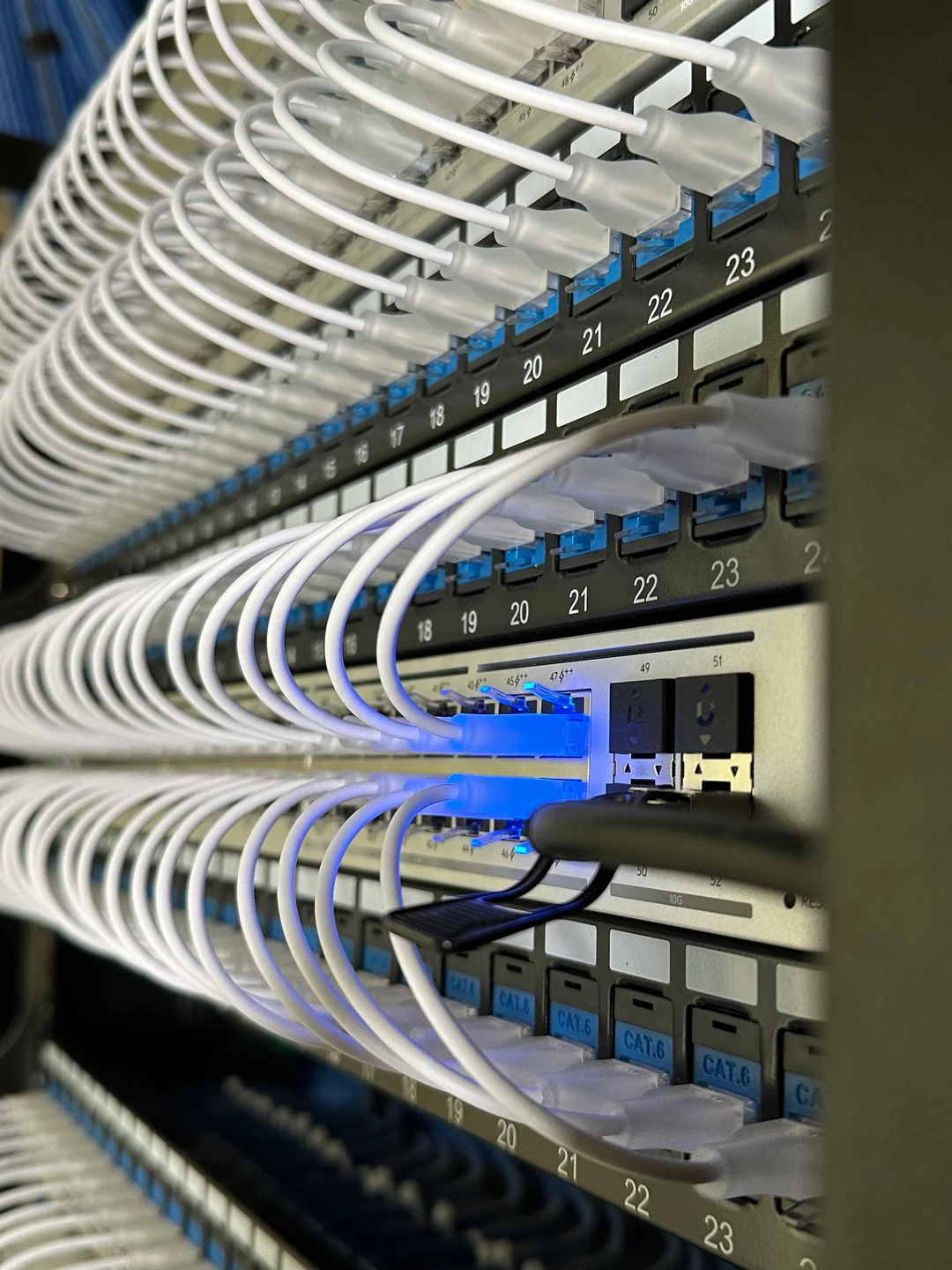
- Network rack cleanup and cable organization
- Structured cabling and low voltage services
- Security camera network support
- VoIP phone system networking
- Internet failover and reliability planning
- PCI focused and segmented network setups
Need help reviewing your network?
Trinity Systems helps organizations improve WiFi coverage, network reliability, cabling, cameras, VoIP and security focused network design across Phoenix and surrounding areas.
Business WiFi installation | Network cabling | Security cameras | VoIP phone systems